Accessories for interactive displays | VS

Last search queries

Accessories for interactive displays | VS

Accessories rounding off your digital equipment
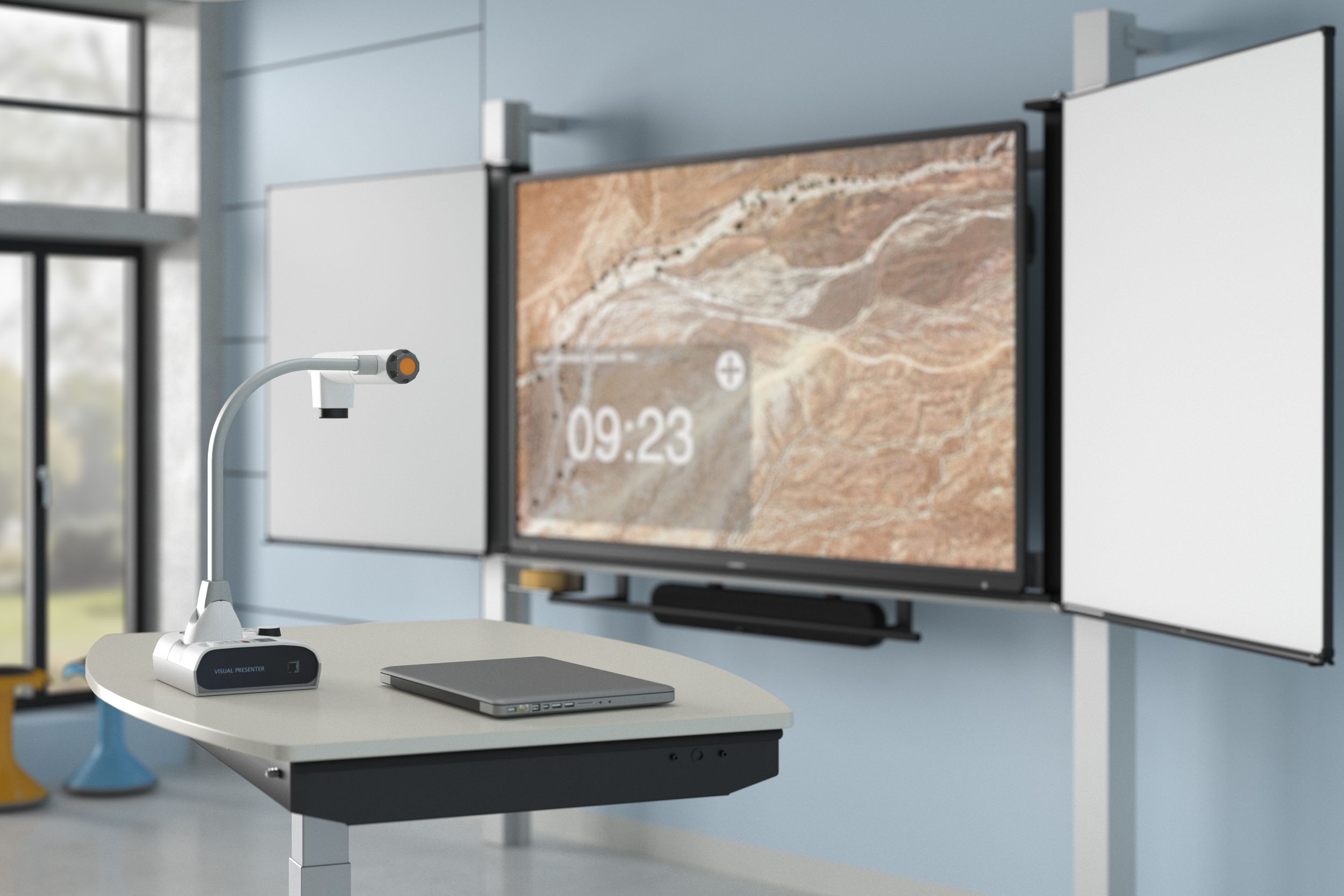
The right accessories are what make a digital solution complete. They help to make digital teaching even more professional. We offer you all the components you need to design interactive learning.
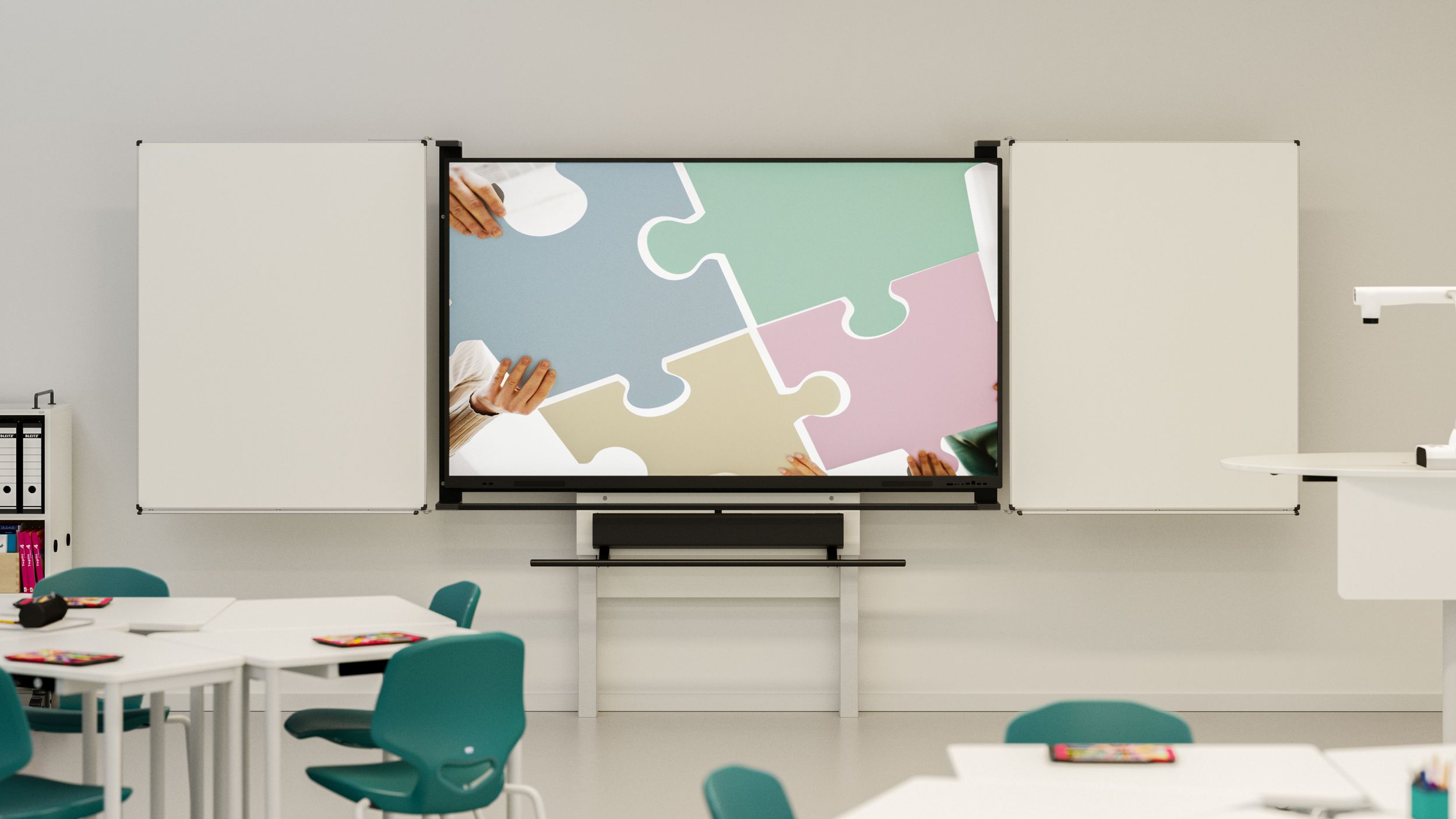
Classroom with display, blackboard and soundbar

Why are blackboard surfaces useful on displays?

Digital meets analogue: why blackboard surfaces on displays combine the best of both worlds. More space, more flexibility – for lessons that truly appeal to all the senses.

How to turn your display into a media centre

Displays for modern learning and working environments

Discover flexible solutions for schools and offices – intuitive, durable and ready for everyday use.

Learn more about our displays

Document cameras for your classroom

Experience powerful visualisation for education and office settings – intuitive, flexible and ready to use.

View our document cameras

Our accessory recommendations – curated for you
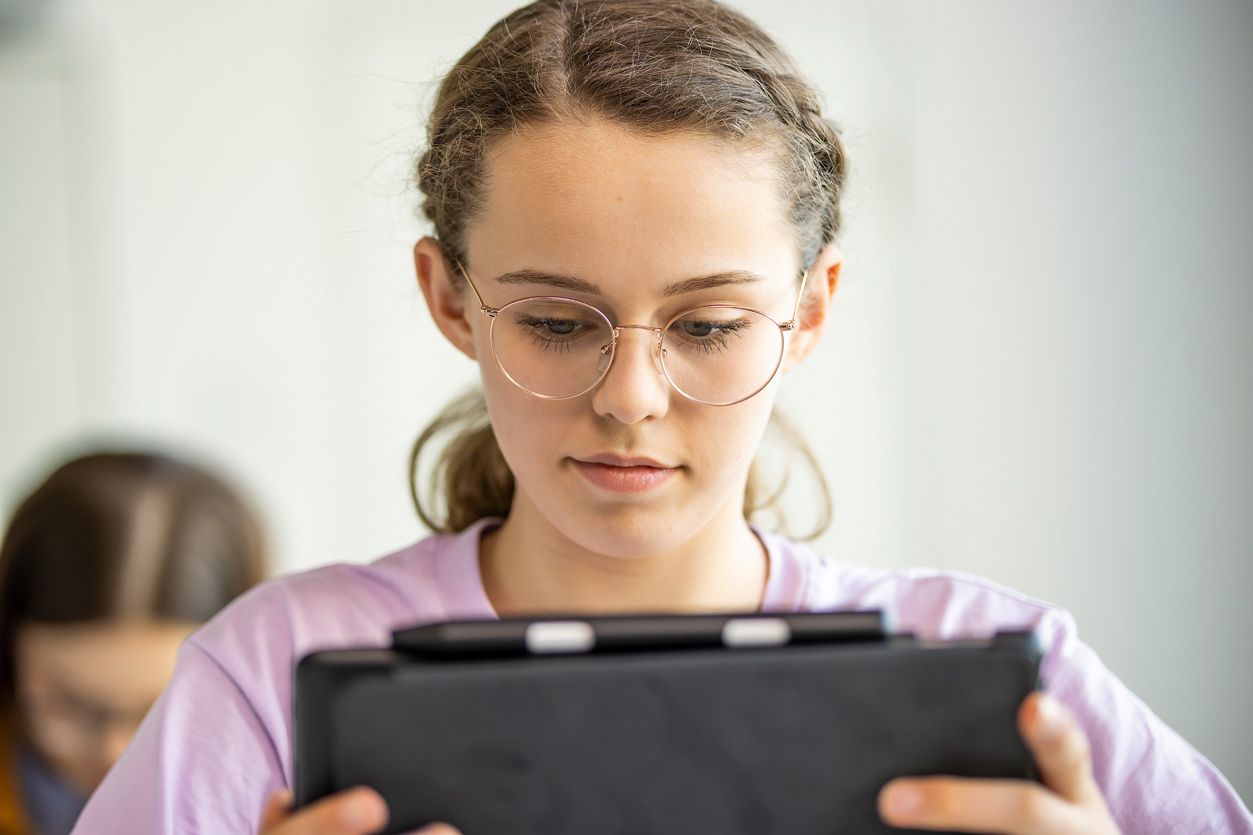
schooladmin – the edtech suite for digital schools

schooladmin is a software solution that brings together everything a school needs in the digital realm: device management, lesson management, communication, user management, data protection and IT administration. Instead of 5 different tools with 5 different passwords, there is just one login.

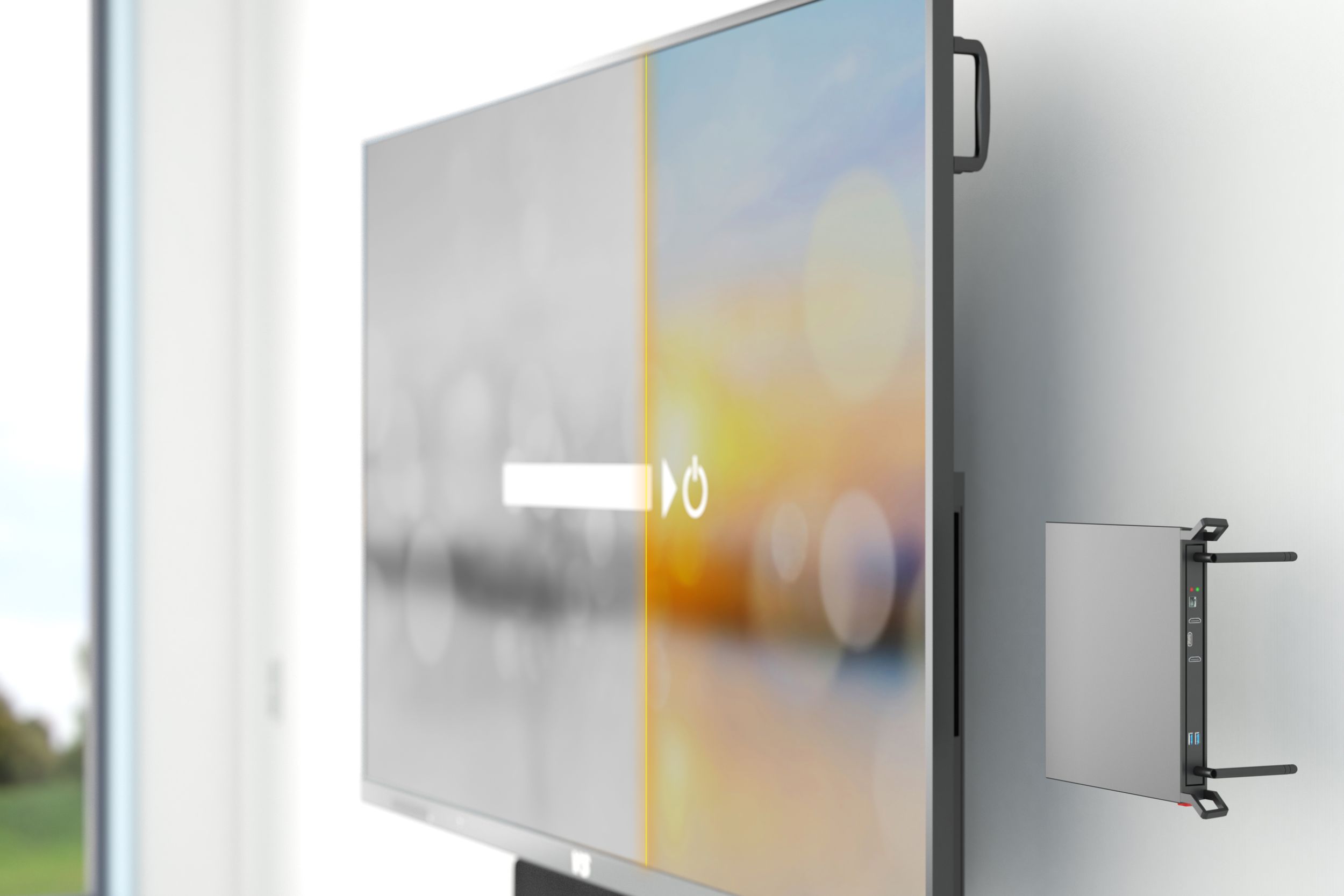
Updating old VS displays

Your interactive displays are getting on a bit and no longer work the way you need them to. But are you reluctant to replace devices that still work with modern, expensive ones running the latest operating system? Then we have a solution.

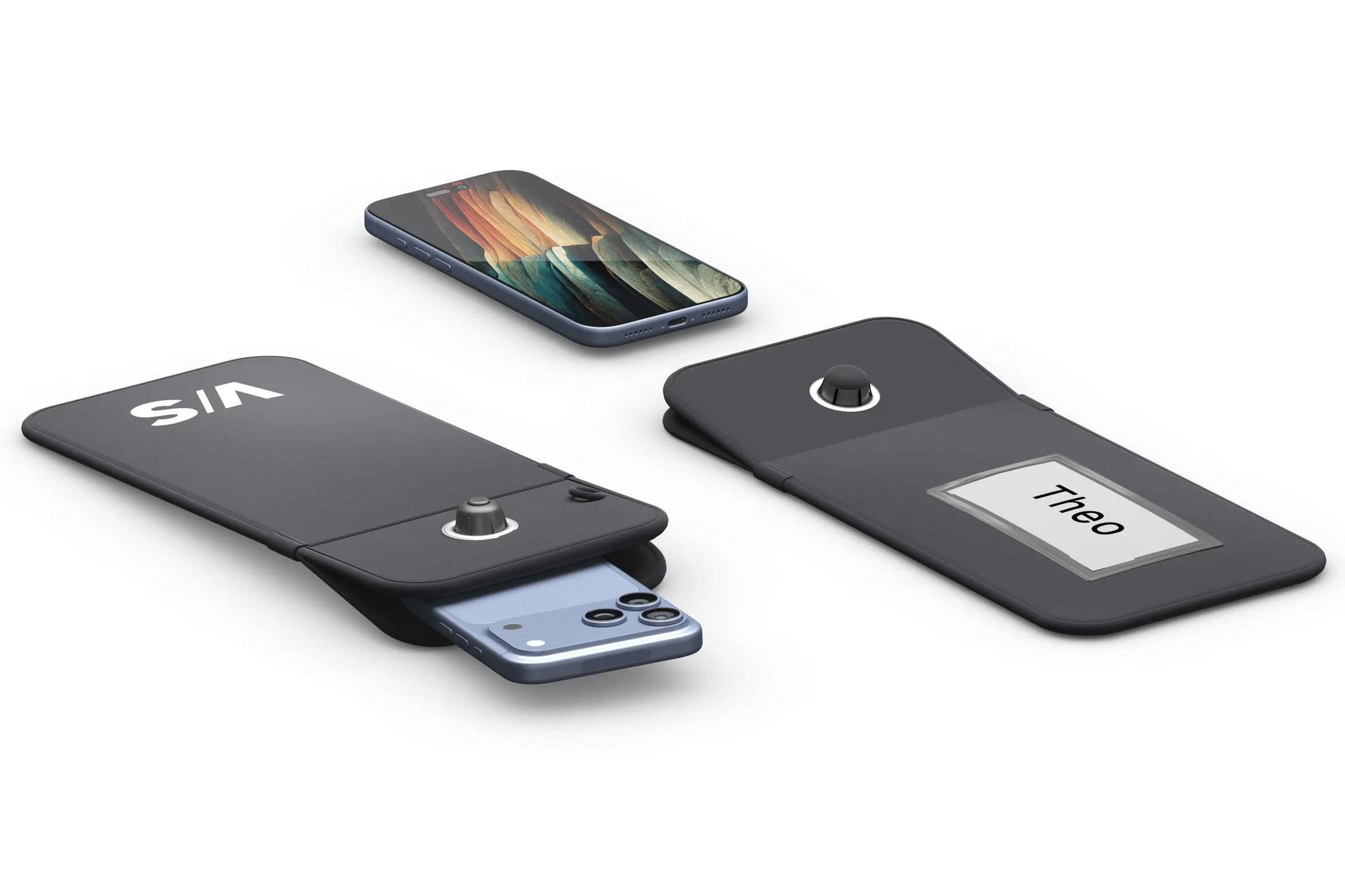
Lock-it and Store-it – keep your smartphones safe

Smartphones are part of everyday life, but they often cause disruption in the classroom. With secure storage options, you can create practical solutions for your school that are fair for everyone and bring peace of mind.


Screen Mirroring

The screen mirroring function allows the screen content of one or more end devices to be transferred to another device. This can usually be done using an app. If this is not possible with software, the mirroring function can be performed by external hardware, such as AirServer Connect or Apple TV 4K. These are attached to the support system in mounts that also protect against vandalism. If only Miracast-compatible Windows and Android devices are used in class, we recommend transferring screen content via the Microsoft Wireless Adapter. It is connected to the interactive display or projector via USB and HDMI. With this solution, only one device can be mirrored at a time.


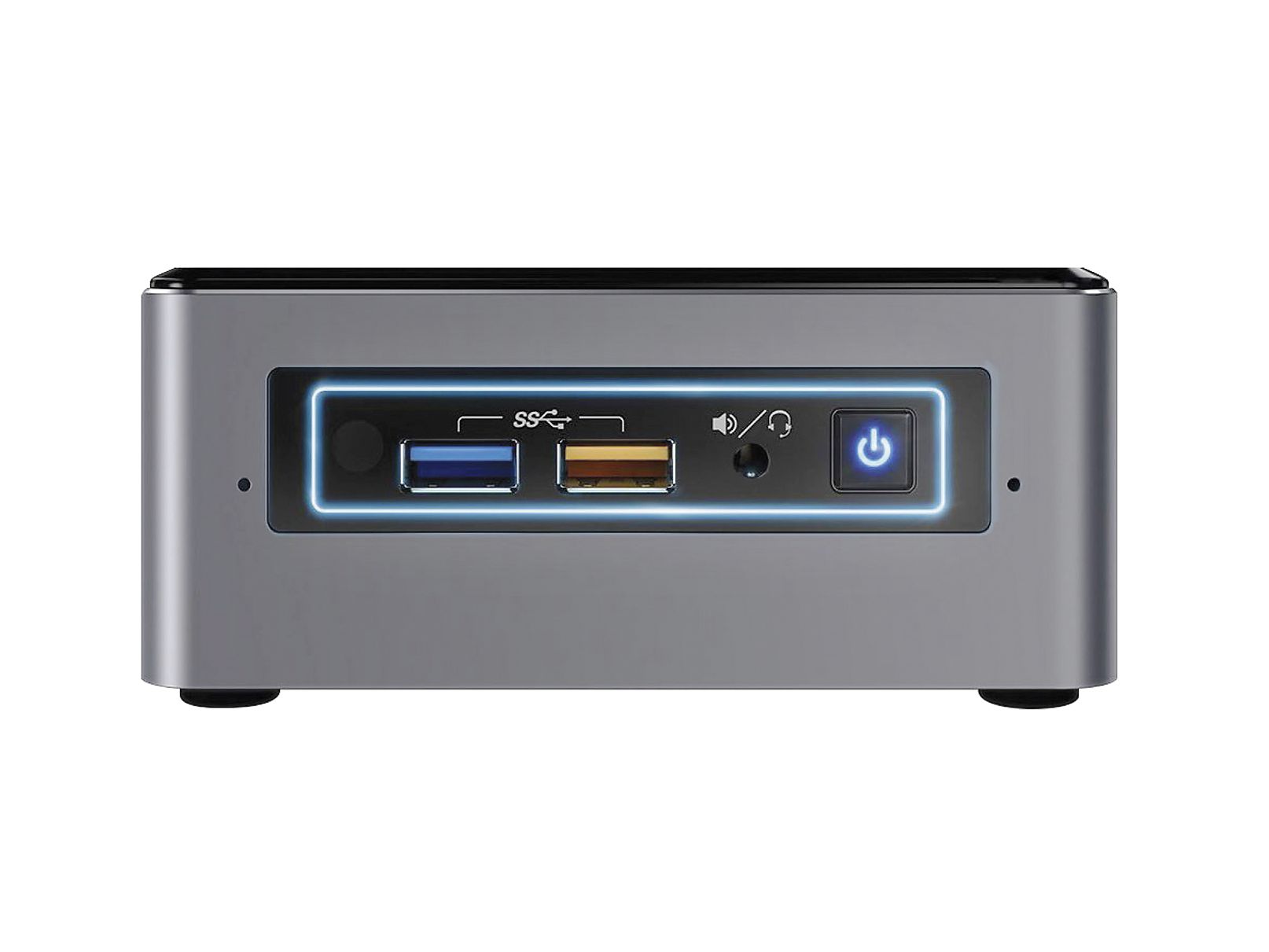
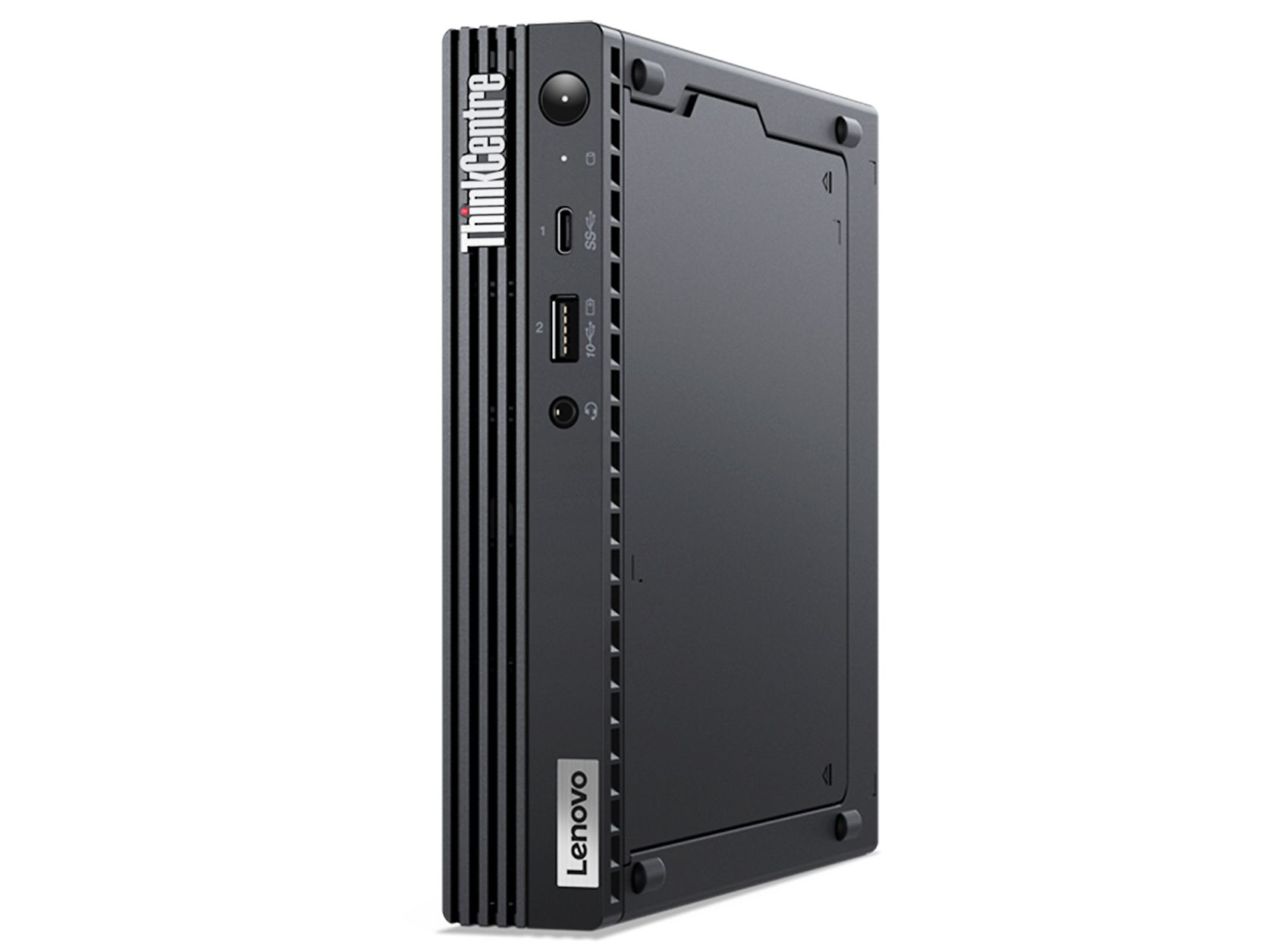
Mini PC and slot-in PC

To expand the functionality of interactive whiteboards beyond the basic features of the Android operating system, integrated mini PCs or plug-in PCs (OPS) are recommended. With interactive displays, the mini PC is mounted on the side of the support system. The plug-in PC disappears into a slot on the side of the display to save space. With the VisuBoard, the mini PC is integrated into the overall system via a bracket. Mini PCs require little space and energy, yet offer the same expandability and performance as a desktop PC. RAM, processor and hard drive capacity can be selected as required. This gives you every opportunity to use your Windows software on the display or board.


Soundbar and speaker

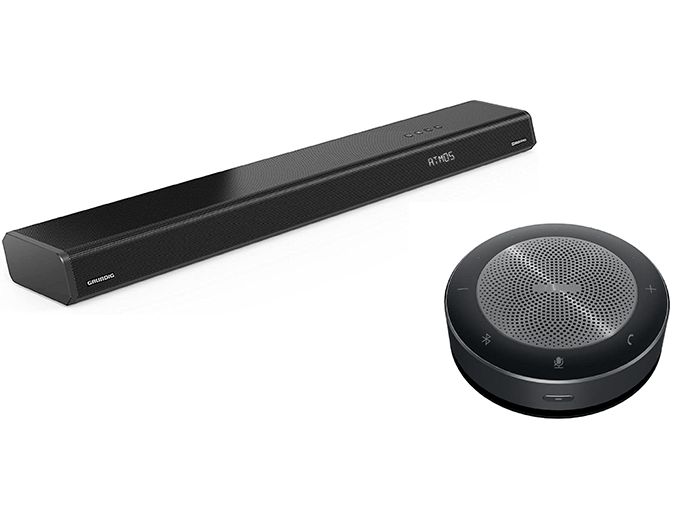
All interactive displays in our portfolio are equipped with integrated speakers. To ensure that students at the back of the room can also hear clearly, we recommend an additional audio system. A soundbar, which is usually mounted below the screen on the support system, has proven to be effective. We always recommend an additional audio system for interactive whiteboards. The best results are achieved with speakers arranged in pairs above the projection surface or with a soundbar.


Video soundbar

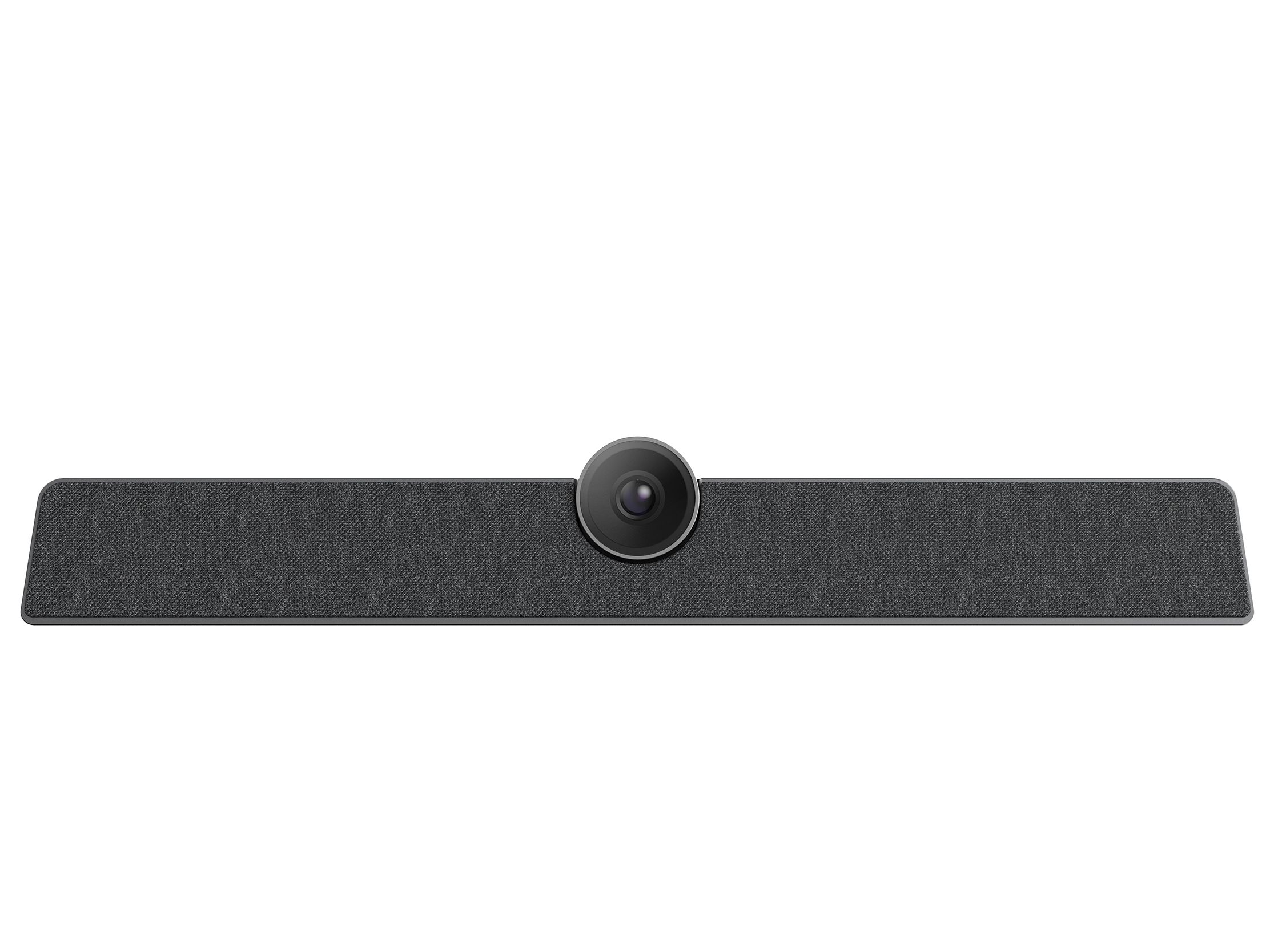
Teaching is no longer confined to the classroom, but is finding its way to learners. If lessons are to be streamed from the classroom, equipment is needed that can transmit high-quality sound and images. A video soundbar is more practical than a combination of camera, microphone and loudspeaker. It is available as a permanently installed version on support systems or as a stand-alone solution.

 
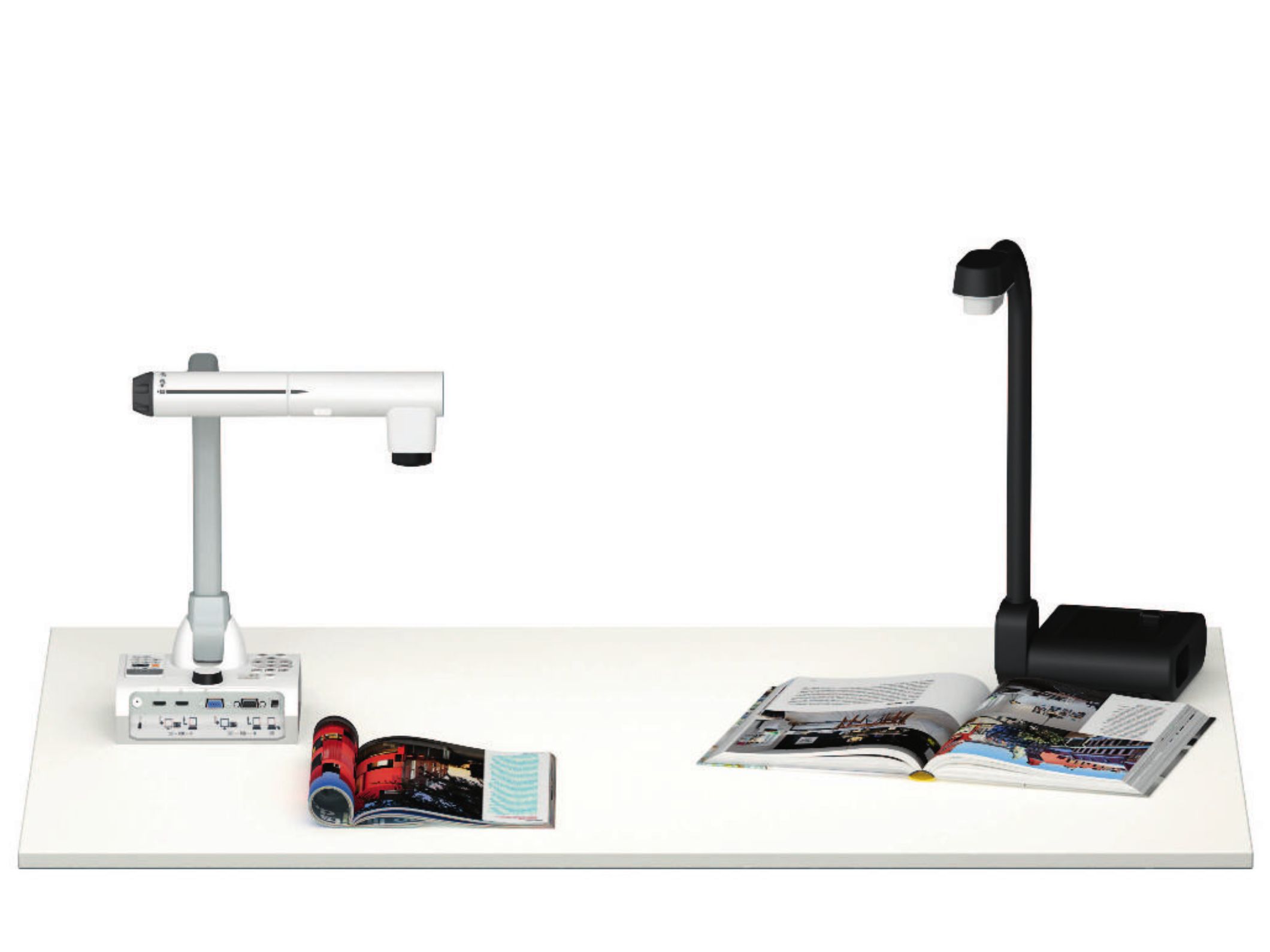
Two VS document cameras as accessories for interactive displays—for live presentation and digital sharing of content in the classroom

Document camera

Document cameras are the tool of choice for displaying analogue items digitally – from printed documents to exhibits from biology collections. The models we offer provide various options. They can transmit live to the screen. They also allow image and video recordings to be saved. Digital and optical zoom are standard features.

Depending on the camera model, comments or labels can be integrated directly into the digital image. Alternatively, analogue content can also be transferred digitally using the camera function of tablets. We offer tablet holders for this purpose.

88 products for Accessories for interactive displays | VS
Sort
Do you have any questions about our digital media?

Immediate support specifically for interactive media is available from our service hotline.

Monday to Friday: 8:00 - 16:30

You may also be interested in

Spread the word – arouse interest

Share this page and arouse interest in others.