Analogue meets digital why the combination makes all the difference
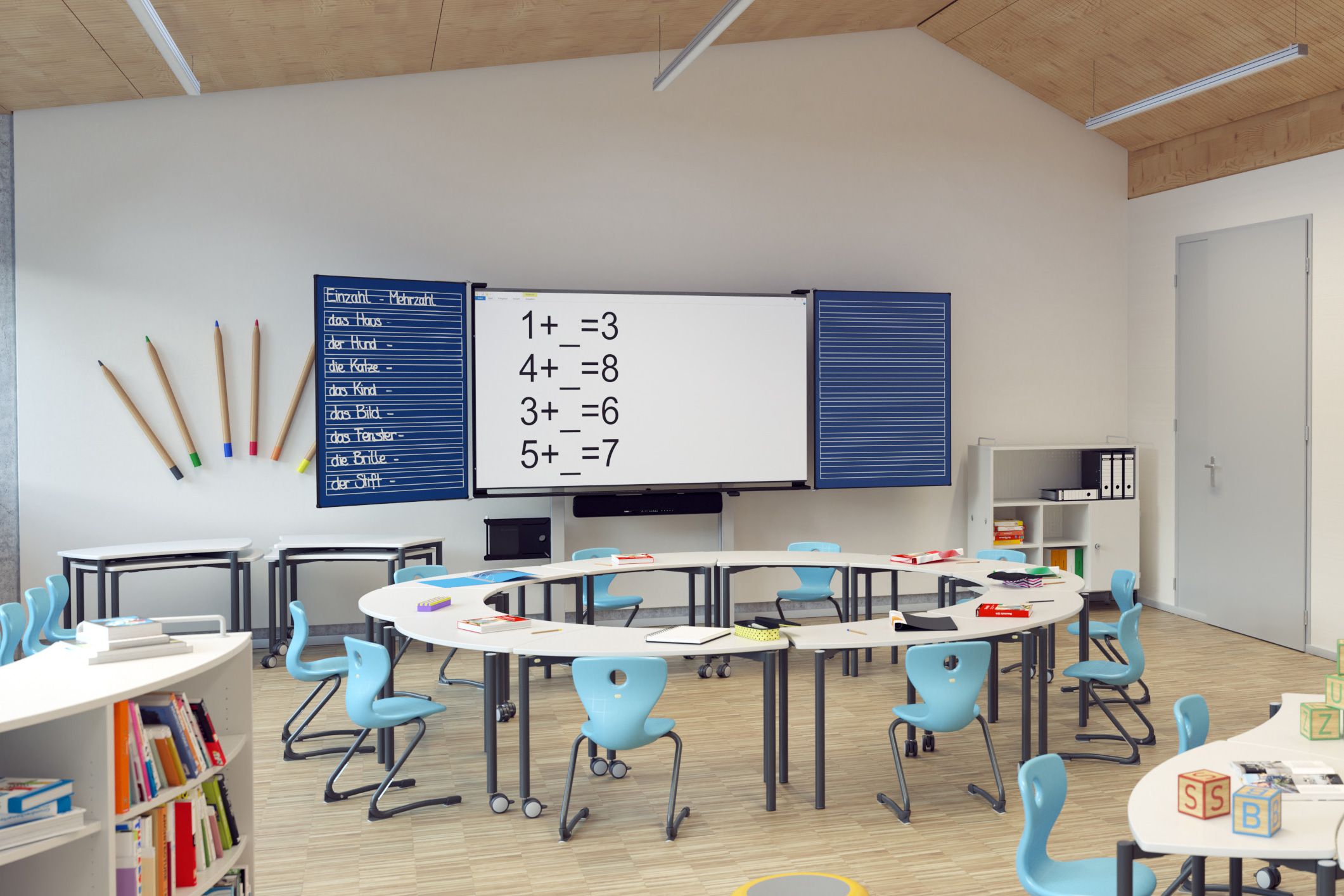
Analogue and digital media can be combined in so many ways
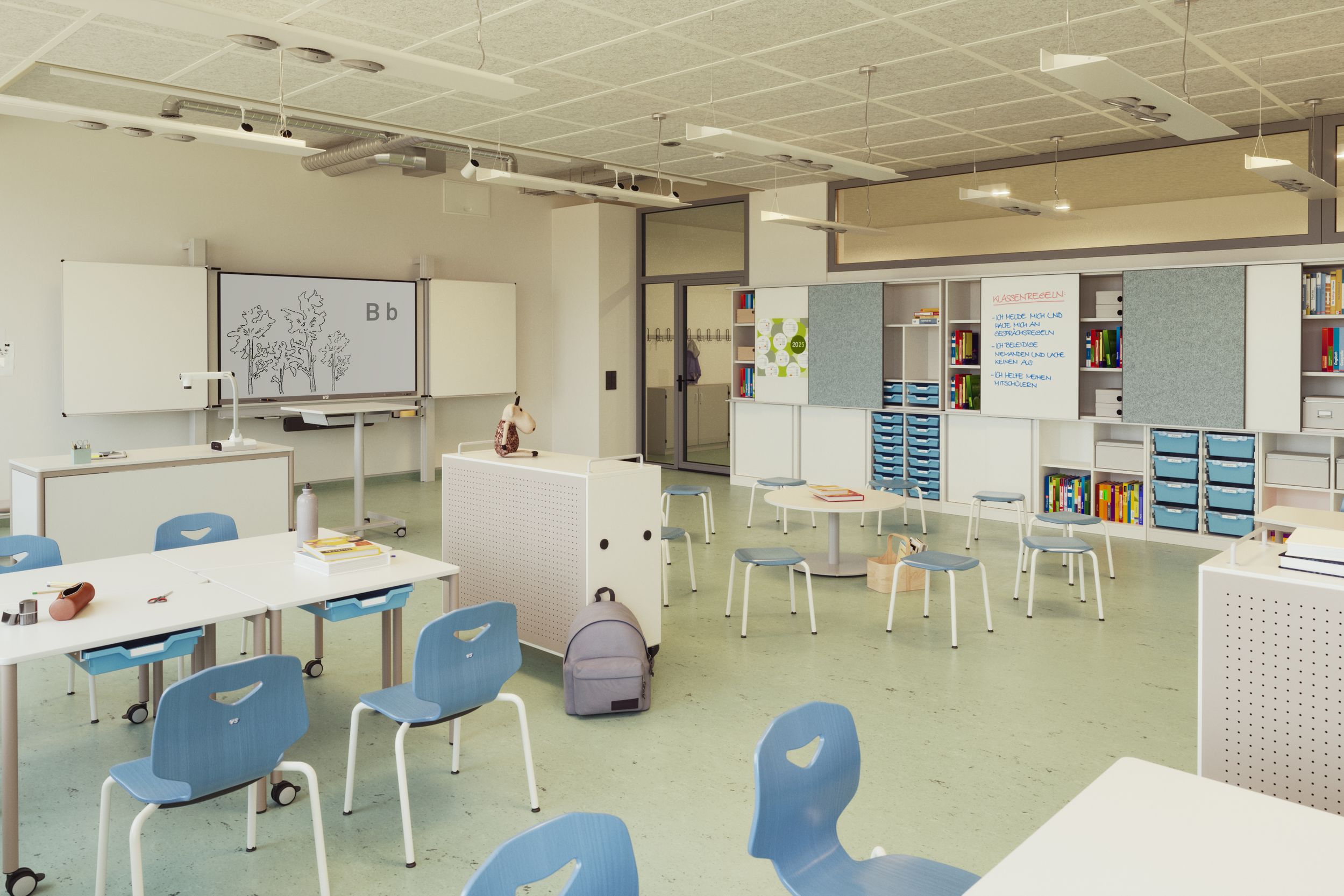
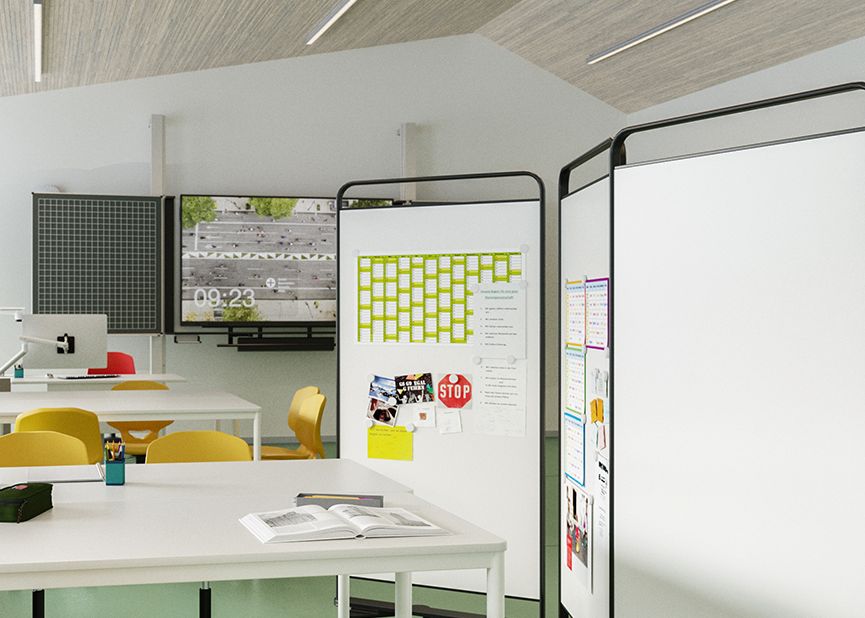
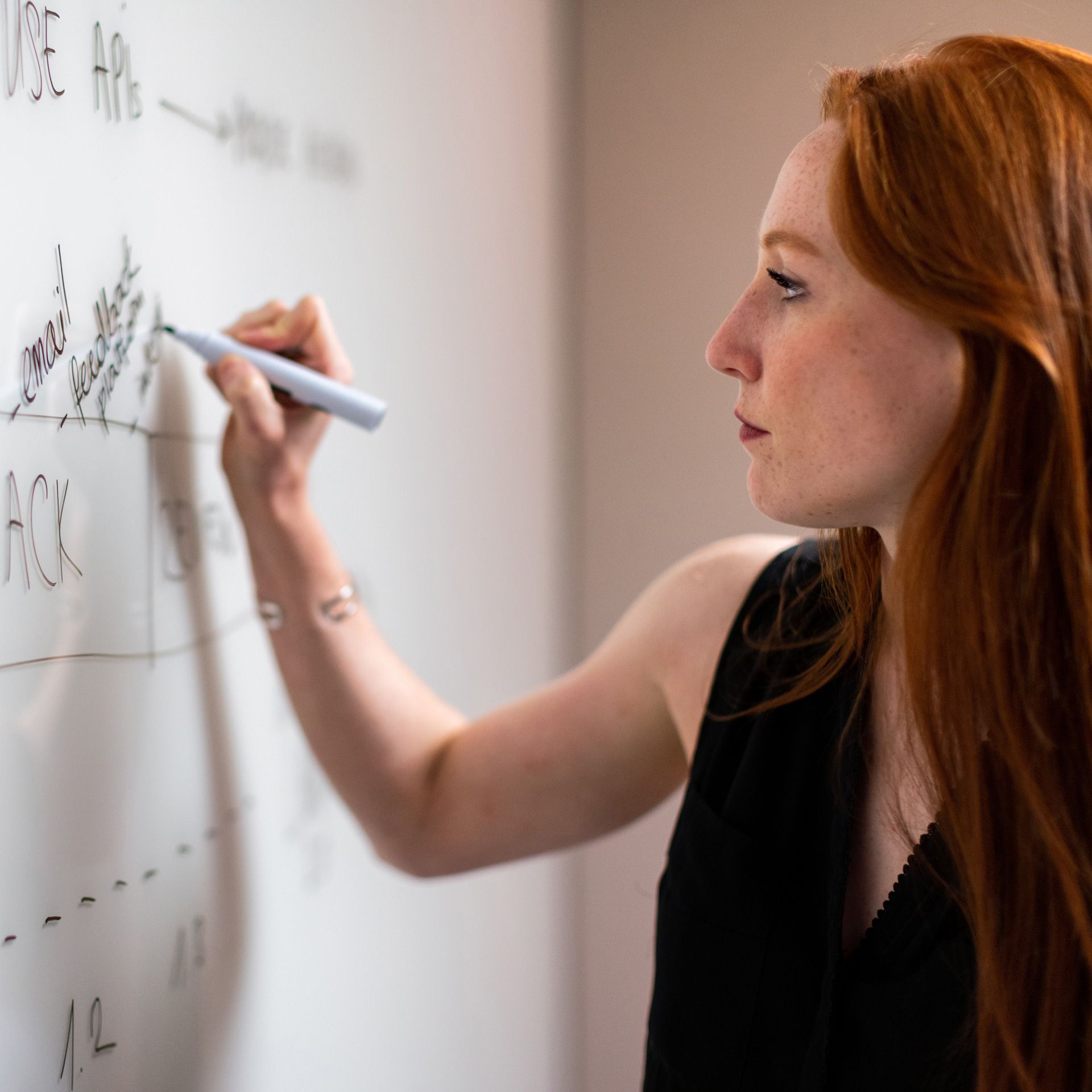
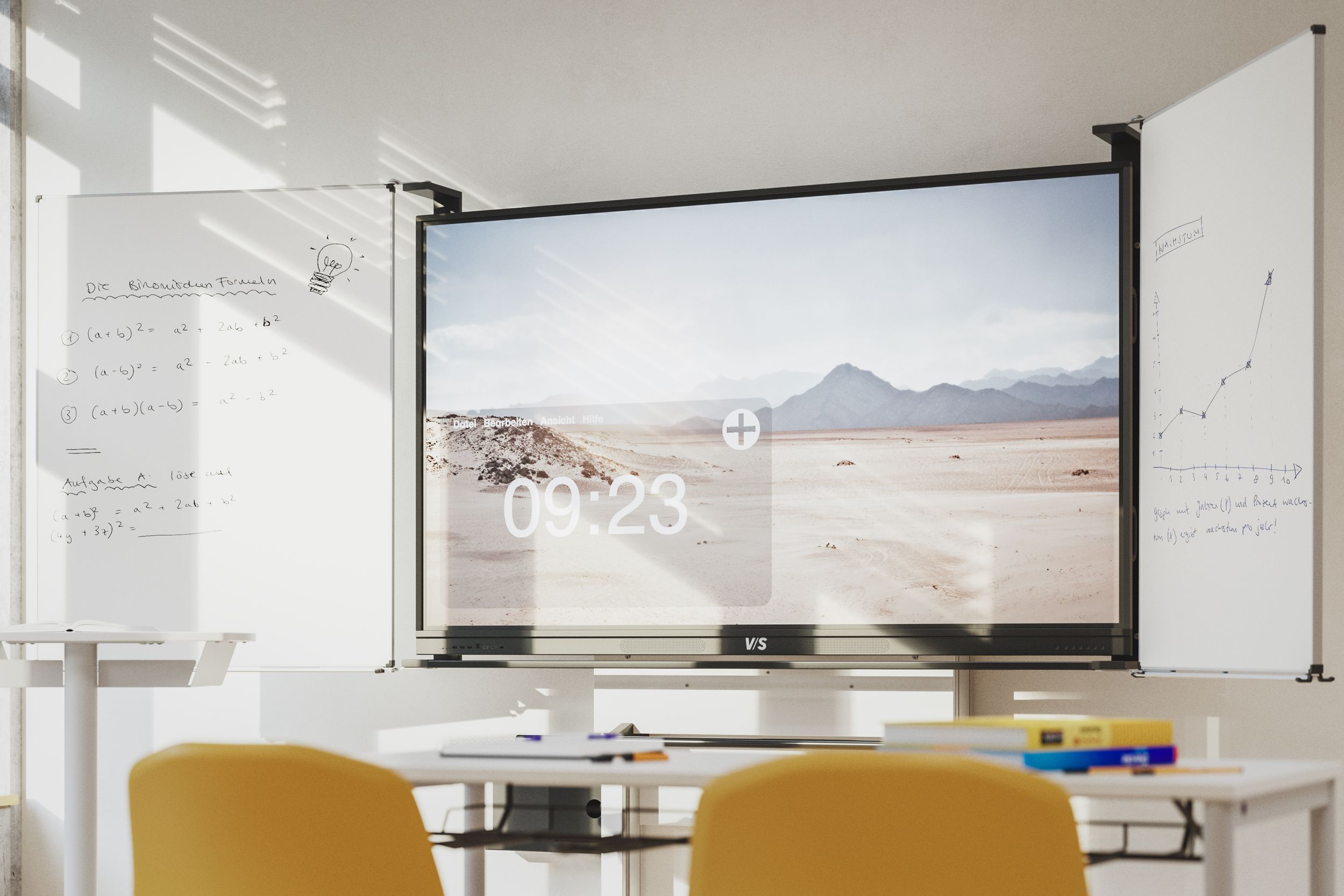
Combining analogue and digital media – the best of both worlds
Educational added value:
• Media diversity appeals to different learning types
• Changing media increases attention and activation
• Analogue media promote haptic and linguisntic thinking
• Digital media expand access to content ad forms of presentation
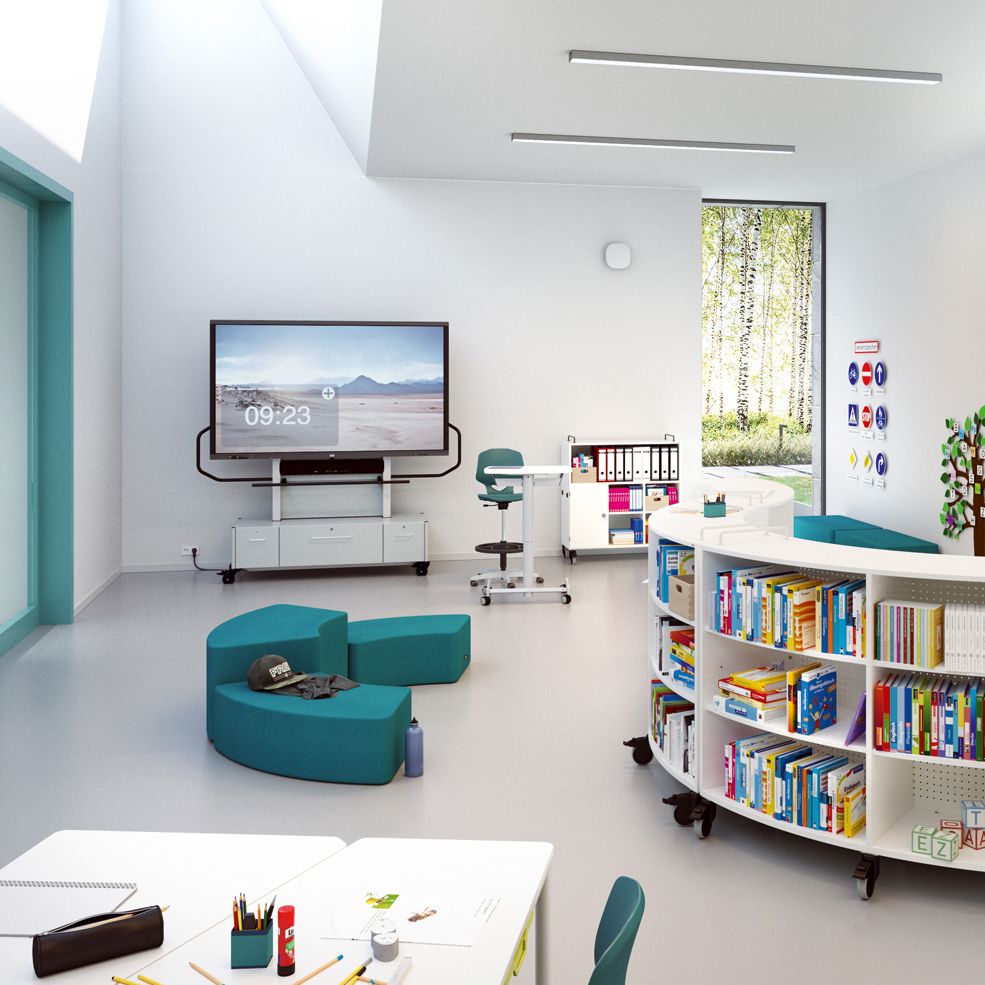
How do I combine analogue and digital media in the classroom?
- Research and structure: Collect information online, organise it analogously (e.g. in mind maps or sketches).
- Experiment and evaluate: Practical experiments in the classroom, digital analysis of the results.
- Planning and implementation: Digital project planning, analogue implementation (e.g. posters, models).
- Discussing and documenting: Analogue group results, digital backup (e.g. photo, document).
What are the strengths of the respective table systems?
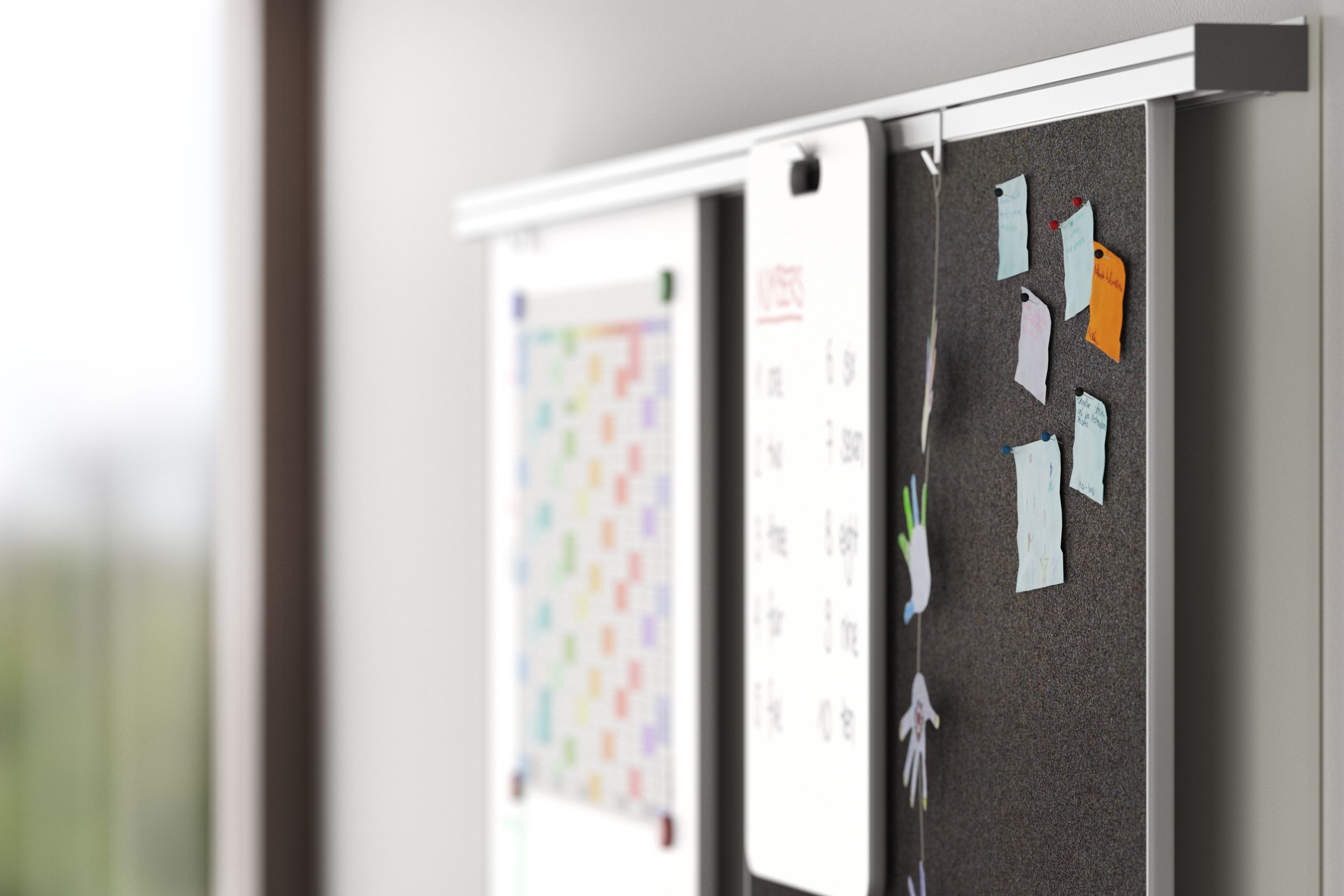
Chalkboards and whiteboards have shaped teaching for generations. They stand for clear structure, spontaneous notes and immediate availability – without technical hurdles.
Strengths:
Ready for immediate use: No electricity, no technology – can be used straight away
Promotes handwriting: Motor skills and writing skills are strengthened
Reduced to the essentials: Clear focus thanks to limited display options
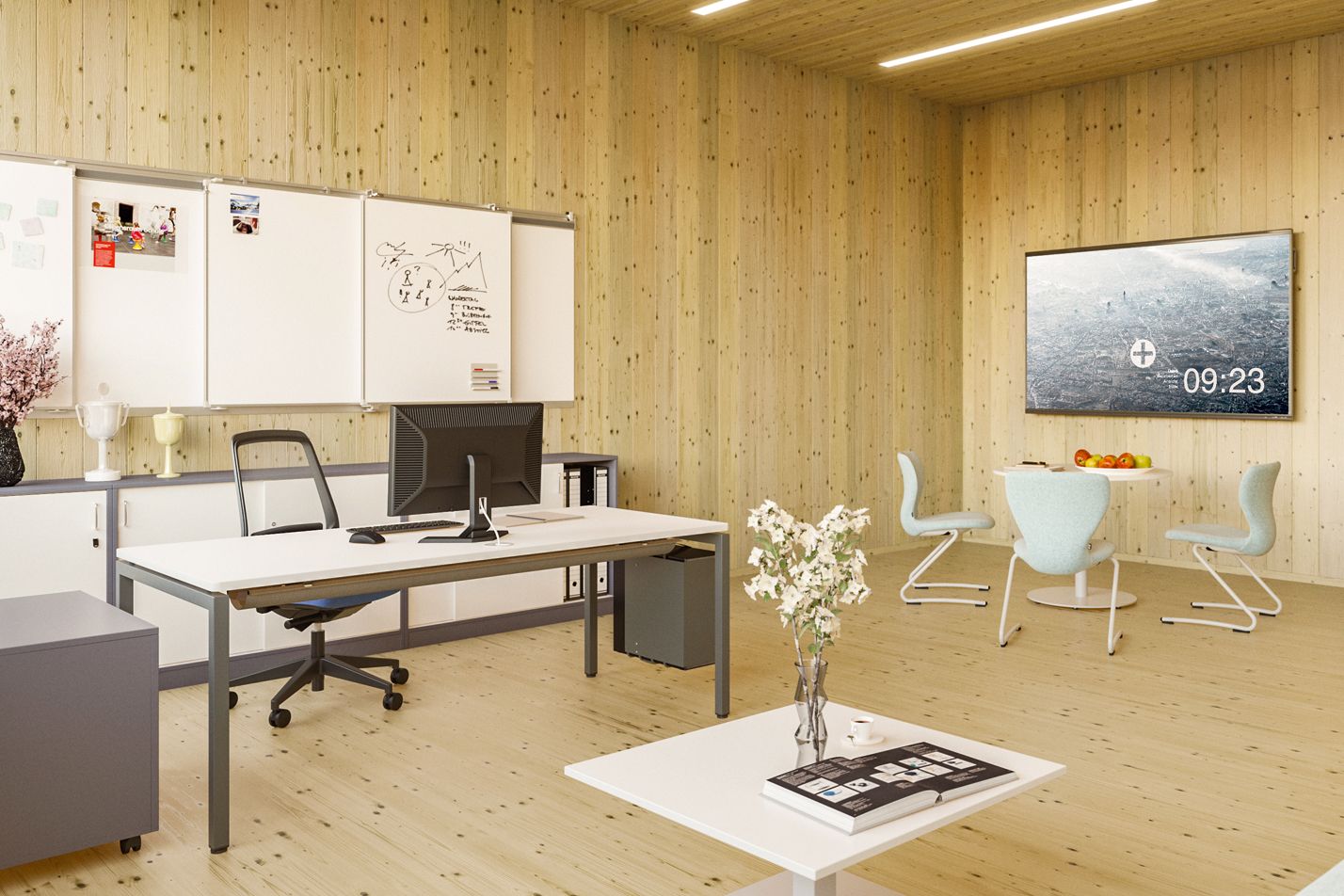
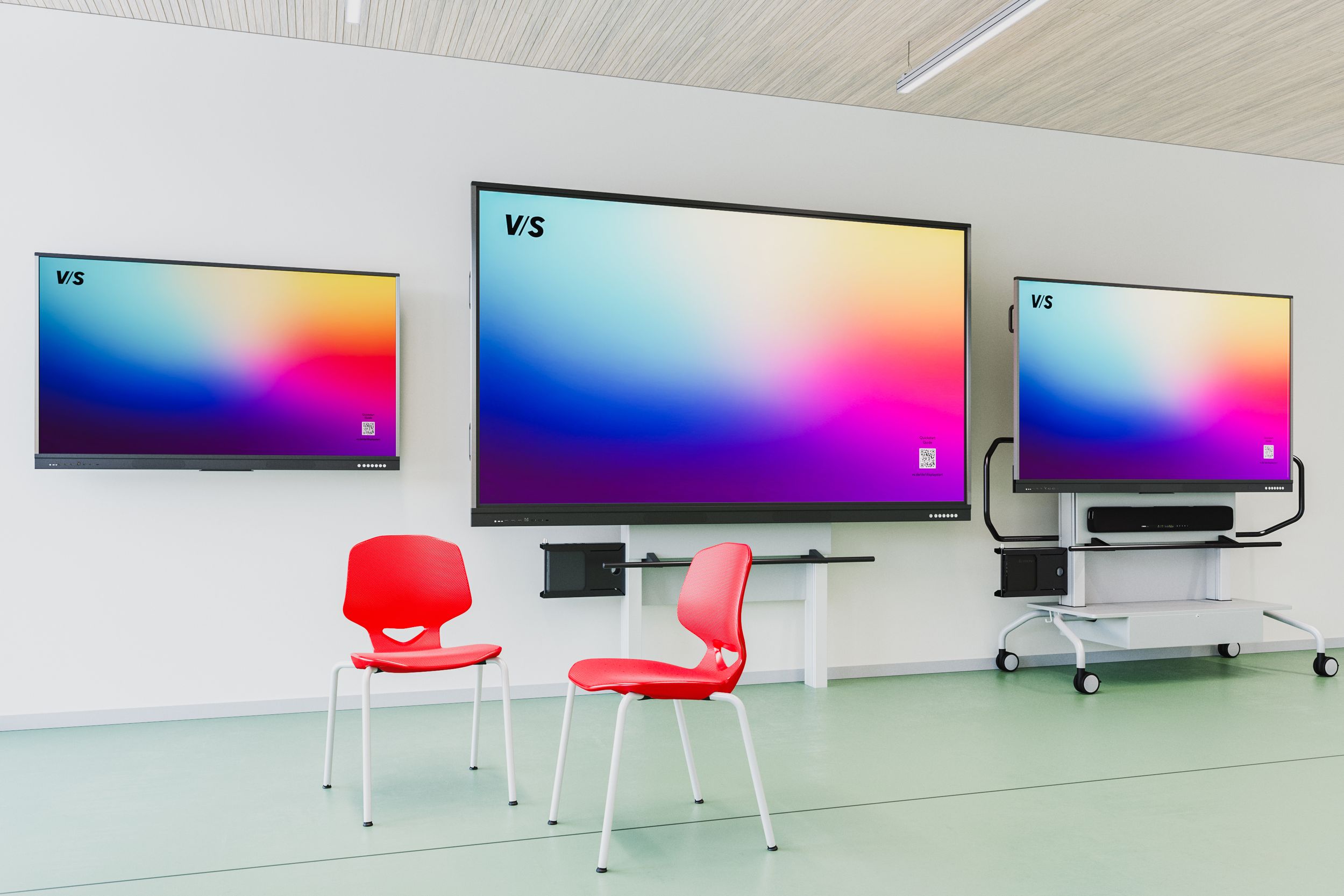
Digital whiteboard systems – interactive and versatile
Digital displays and interactive whiteboards enhance teaching with multimedia, storable and networked elements.
Multimedia: integration of videos, images, animations, web content
Storable: save, share and reuse blackboard images
Interactive: collaborative work with tablets and student devices
Strengths:
Individual: differentiated learning paths
Multilayered: visual presentation of complex content
Collaborative: digital support for creative group work
We develop ideas for flexibly designed learning and working spaces in which the analogue and digital worlds can be brought together.
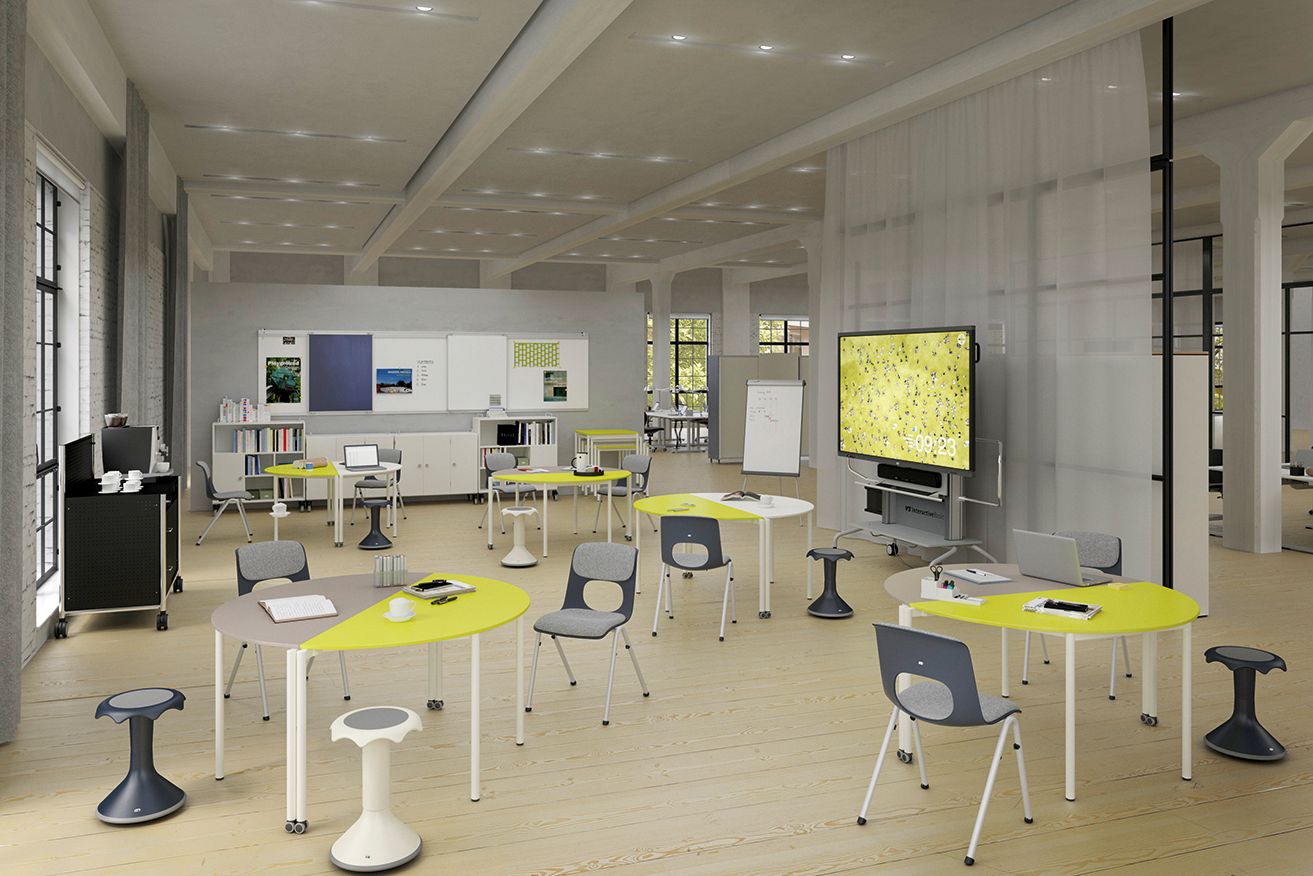
Educational change – New learning methods
The introduction of digital whiteboard systems is not only changing technology, but also rethinking teaching and learning. Teachers are becoming learning facilitators, and lessons are becoming increasingly student-centred, interactive and individualised.
Changing role of teachers:
- From facilitators to moderators and coaches
- Focus on learning support rather than purely imparting knowledge
- Designing diverse learning paths and digital learning spaces
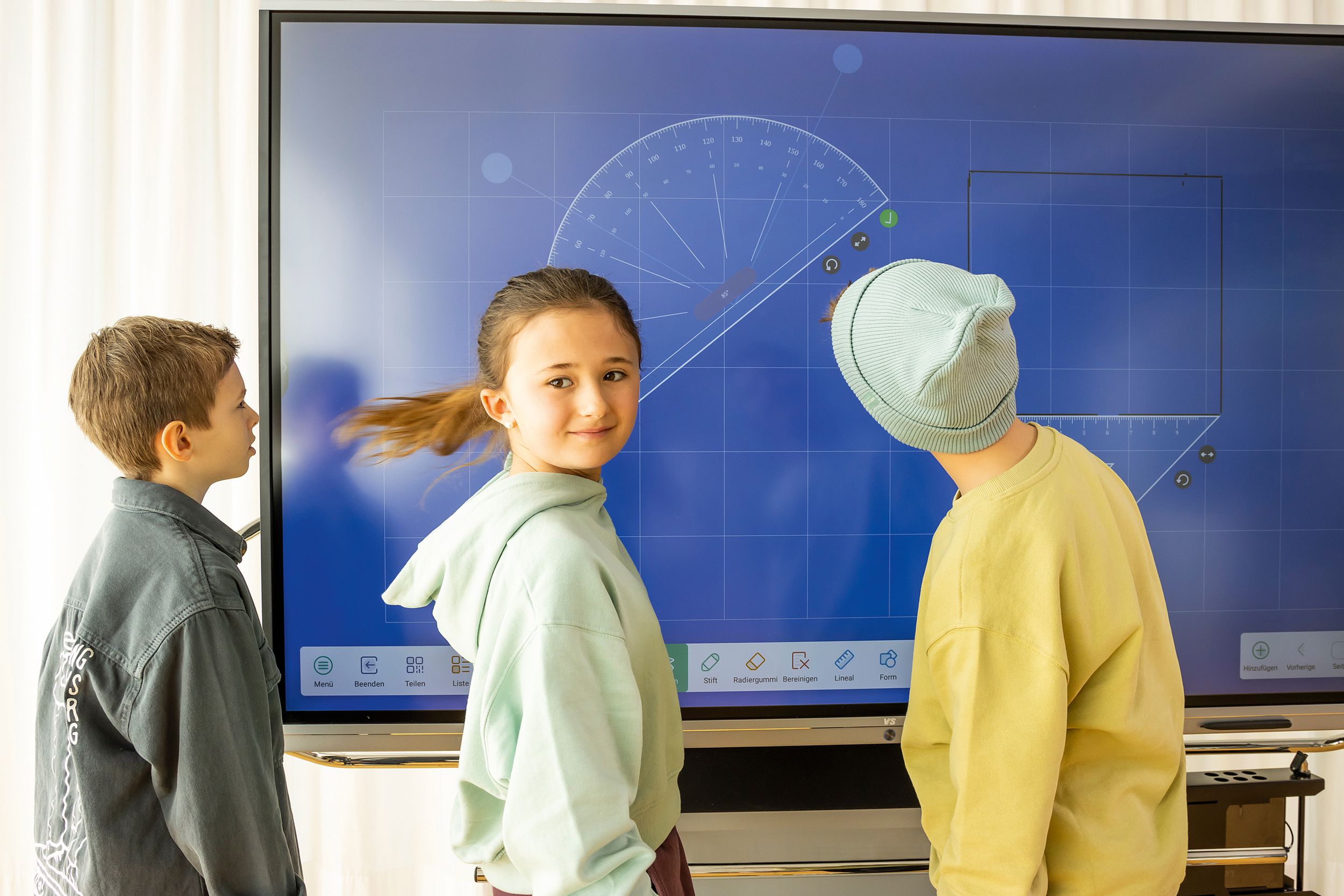
An overview of new learning methods:
- Flipped classroom: learning videos in advance, consolidation in class
- Blended learning: flexible combination of face-to-face and online phases
- Collaborative learning: working together on digital content
- Visual storytelling: illustrative learning with images and animations

Please do not hesitate to contact us if you have any questions.
You may also be interested in